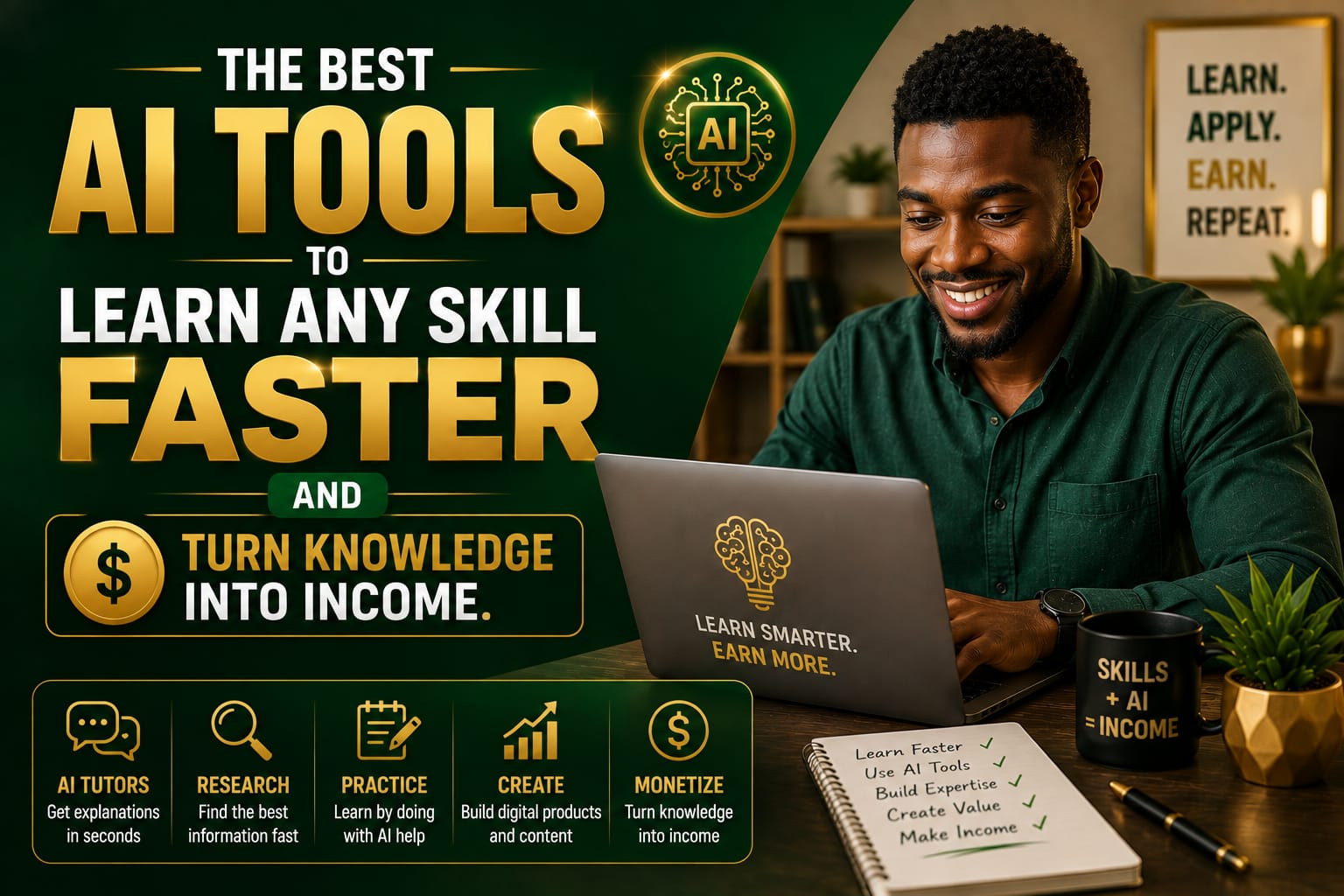
A few months ago, I watched a friend who had never touched video editing try to make a simple short clip for her business. She was overwhelmed at first, the way many of us are when we want to learn something new but do not know where to begin. Then she started using a few AI learning apps and AI study tools, and suddenly the process felt a lot less scary. That is the real power of the best AI tools to learn any skill faster — they do not replace effort, but they can make learning clearer, faster, and much more practical.
If you have ever thought, I know I can learn this, I just need a better way, you are in the right place. AI can help you study smarter, stay organized, practice more often, and even spot the talents you may not have taken seriously yet. And once you understand how to use your skills well, AI can also help you create digital products to sell, create online courses, sell digital products, and monetize knowledge in a realistic way.
Why AI makes learning feel easier
Most people do not struggle because they are lazy. They struggle because learning can feel scattered. You open five tabs, watch three videos, take a few notes, and still feel unsure what to do next. That is where AI productivity tools can help. They can turn a messy goal into a simple plan.
Instead of guessing your next step, AI can give you:
OTHER RELEVANT BLOG POST
Related Posts:



- a beginner-friendly roadmap
- simple explanations in plain language
- practice questions and quizzes
- feedback on your writing, speaking, or ideas
- reminders and structure so you keep going
This does not mean AI does the work for you. It means you spend less time feeling lost and more time actually learning.
The best AI tools to learn any skill faster
There are a lot of tools out there, but you do not need every shiny app. The best approach is to choose a few that match the way you learn. Here are some of the most useful ones.
1. ChatGPT for personalized tutoring
ChatGPT from OpenAI is one of the simplest tools for learning almost anything. You can ask it to explain a concept like you are five, create a study plan, quiz you after each lesson, or help you practice a skill step by step.
For example, if you want to learn copywriting, you could ask:
- Explain copywriting basics in plain English
- Create a 14-day beginner study plan
- Give me 10 practice prompts
- Review my sample headline and improve it
This kind of back-and-forth makes learning feel more interactive than reading random blog posts.
2. Notion AI for organizing your learning
If your notes are everywhere, Notion AI can help you organize them into one clean system. It is great for learners who like to collect ideas, track progress, and build a knowledge base over time.
You can use it to:
- summarize lessons
- turn messy notes into action steps
- build a skill tracker
- save templates you can reuse later
If you are the kind of person who learns best when everything is neat and visible, this is a strong option.
3. Grammarly for clear writing and communication
Grammarly is not just for correcting spelling. It helps you communicate more clearly, which matters whether you are writing emails, blog posts, course lessons, product descriptions, or client messages. Clear communication is a skill, and this tool helps you improve it while you work.
That is especially useful if you want to become a writer, create online courses, or package your knowledge into digital products.
4. Canva Magic Studio for visual learning and product design
If you like creating templates, presentations, printables, or social media graphics, Canva Magic Studio is one of the most helpful AI productivity tools around. It can speed up design work and help you make your learning materials look professional.
Canva is also useful when you want to create digital products to sell, such as:
- workbooks
- checklists
- social media templates
- mini guides
- course slides
5. Otter.ai for note-taking and reviewing lessons
Otter.ai is great for people who learn from live classes, podcasts, workshops, or meetings. It can capture audio, create transcripts, and help you review key points later without trying to remember everything from memory.
That means less stress and more time practicing the parts that matter.
6. Quizlet and other skill learning apps for practice
Quizlet is a helpful example of a skill learning app that uses digital flashcards and study modes to make repetition easier. If you are learning languages, exam content, business terms, or industry vocabulary, tools like this can make practice feel less boring.
Repetition is still important. AI just makes it easier to stay consistent.
7. Khan Academy for structured learning
If you need a more guided approach, Khan Academy offers structured lessons that can be a great support alongside AI study tools. Sometimes the smartest way to use AI is to combine it with a trusted learning platform, then use AI to review and practice what you studied.
How to use AI to discover your hidden talents
One of the best things about AI is that it can help you pay attention to what you naturally enjoy. A lot of people have talents that stay hidden simply because they never gave themselves room to test them.
Here are a few simple ways to use AI to uncover those strengths:
- Ask reflective questions. For example: What kind of work do people usually thank me for?
- Notice what feels easy. Maybe you explain things well, organize chaos, design visuals, or encourage people.
- Run small experiments. Ask AI to help you try one skill for seven days.
- Get outside feedback. Share your work with a friend, mentor, or audience and notice what they value.
You do not need to know your entire life purpose in one week. You just need to start paying attention to patterns.
Turn what you learn into digital products and income
This is where things get exciting, but it is important to stay realistic. AI will not magically make money for you. What it can do is help you move faster once you have something useful to offer.
If you learn a skill well enough to explain it, you may be able to turn that knowledge into:
- simple ebooks
- templates and checklists
- printables
- workbooks
- mini courses
- full online courses
- coaching sessions
For example, if you learn Canva, you could create design templates. If you learn budgeting, you could make a money tracker. If you learn meal planning, you could create a weekly planner. If you learn public speaking, you could create a speaking confidence guide. That is how people begin to sell digital products and monetize knowledge in a practical way.
How AI helps with the product creation process
AI can support you at every stage of the process:
- Idea stage: brainstorm product ideas people might actually want
- Outline stage: create chapters, lessons, or sections
- Writing stage: draft copy, lesson notes, or sales pages
- Design stage: build visuals in Canva
- Marketing stage: create social media captions, email ideas, and launch messages
That does not remove the need for your judgment or creativity. It simply helps you work with more structure and less overwhelm.
A simple way to start this week
If you are new to all of this, do not try to do everything at once. Start with one skill and one tool.
- Choose one skill. Pick something you are genuinely curious about.
- Ask AI for a beginner roadmap. Keep it short and realistic.
- Practice for 20 to 30 minutes a day. Consistency beats intensity.
- Save your notes in one place. Use Notion, Google Docs, or another system.
- Create one small output. A summary, template, checklist, or sample project.
- Share it. Feedback helps you improve faster than working alone.
This is how people go from curious beginner to someone with real skills, useful assets, and eventually products they can offer to the market.
Common mistakes to avoid
AI can be incredibly helpful, but it is easy to get distracted. Here are a few common mistakes to watch out for:
- Tool hopping: switching apps every day instead of learning one well
- Over-consuming: watching and reading too much without practicing
- Asking vague prompts: being too broad and getting unhelpful answers
- Ignoring real people: not checking whether the market actually wants what you plan to sell
- Expecting instant results: forgetting that skill-building takes time
The goal is not to look busy. The goal is to build something real.
Final thoughts
The best AI tools to learn any skill faster are the ones that fit your learning style, help you stay consistent, and make it easier to turn action into progress. Whether you are using AI learning apps, AI productivity tools, skill learning apps, or AI study tools, the real win comes when you pair them with curiosity, practice, and patience.
If you keep learning, keep testing your talents, and keep building useful things, you may be surprised by what you can create. Maybe it starts with a new skill. Maybe it becomes a side income. Maybe it grows into digital products, online courses, or a bigger business later on. The important part is to begin.
You do not need to know everything today. You just need a smart next step, and AI can help you take it.